Charalambos Geronikolas Reading Time : 1 minute active-directory
Lot of times I need to trigger an immediate replication of the domain controller, or I want to check if the domain controllers have successfully replicate between of them or to check if they have any errors with the replication. The repadmin command can help to resolve all the above situations.
Repadmin.exe assists administrators in troubleshooting Active Directory replication issues between domain controllers that operate on Microsoft Windows systems. You will find more information on this site.
Below you will find the most common command that I use:
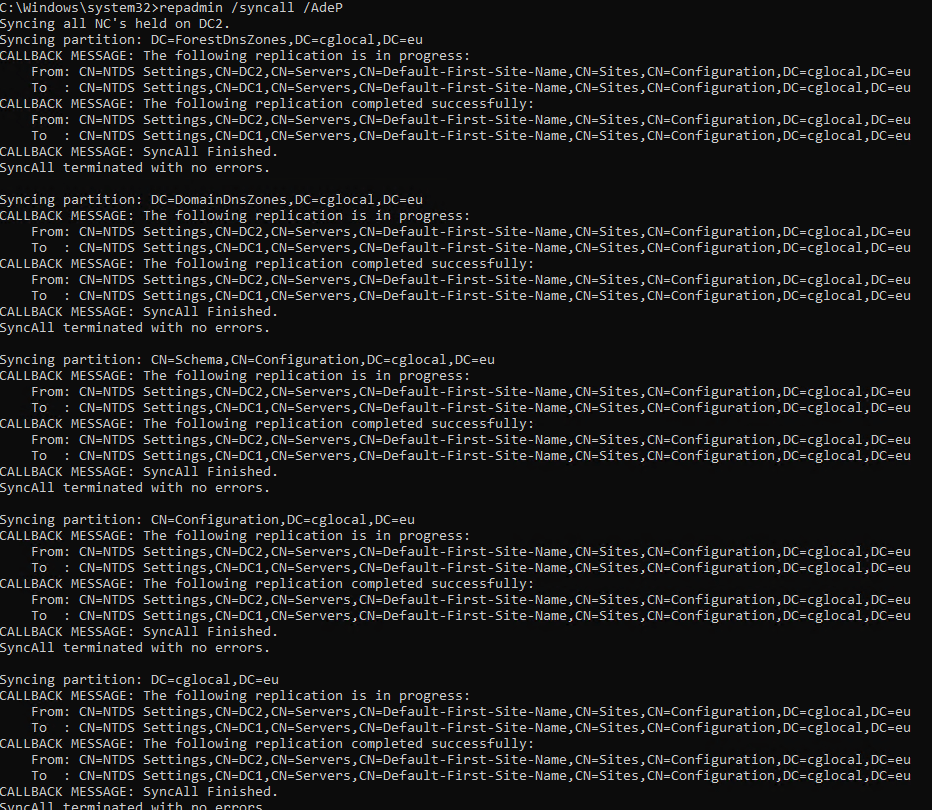
- Immediate replication of Active Directory
repadmin /syncall /AdeP
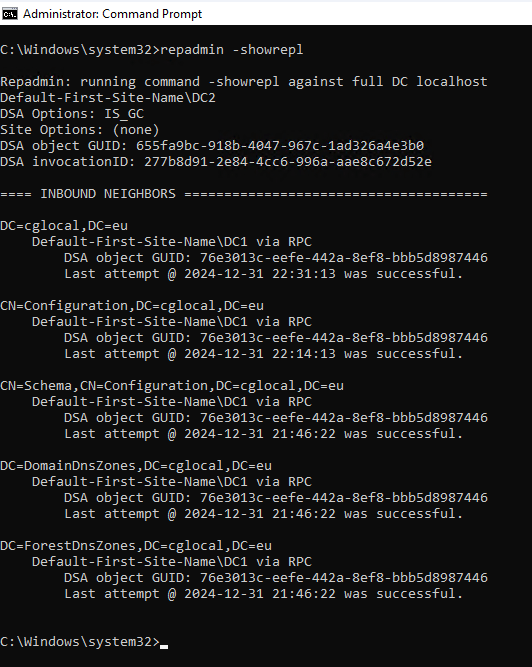
- You want to show the replication status indicating the last time a specified domain controller attempted to inbound replicate Active Directory partitions
repadmin /showrepl
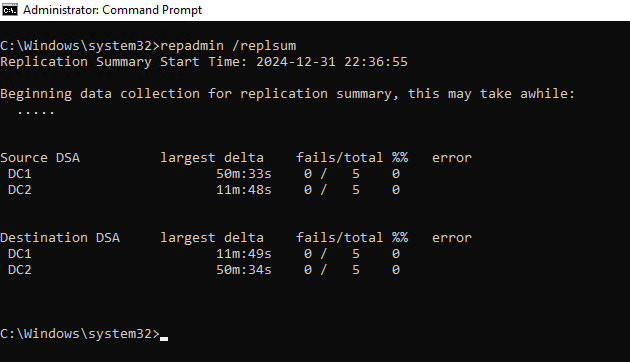
- The replsummary command provides a quick and concise summary of the replication state and overall health of a forest.
repadmin /replsummary
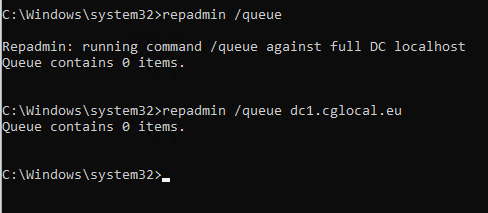
- For pending – queue replications, you can use the below command
repadmin /queue
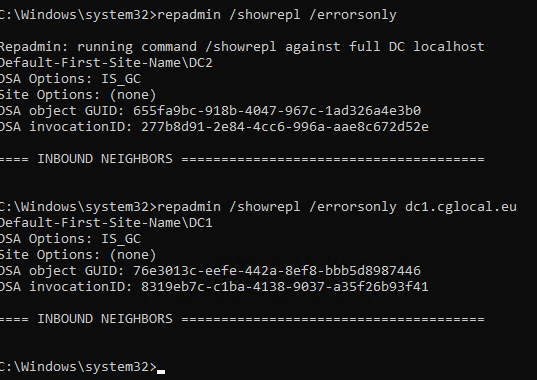
- In case you have a replication issue, and you want to show only the replication errors, then you can use the below command.
repadmin /showrepl /errorsonly
Conclusion
The repadmin command can help you to find out if you have replication issues on your infrastructure. Except the above commands, it has many more that you can find using the below command
repadmin /?
Hope you will find helpful this article!