Charalambos Geronikolas Reading Time : 3 minutes Certificate
In this article I will show you how you can issue a free SSL – WildCard Certificate from Let’s Encrypt. SSL (Secure Sockets Layer) is an encryption protocol designed to secure data transmission between browsers and servers, preventing interception. This ensures that hackers cannot access customer information. Consequently, SSL certificates enhance the security of websites, providing a safer experience for both businesses and their customers.
Prerequisites
- Install Certbot to generate the certificate.
- Install Openssl. It will helps you to convert the .pem to .pfx certificate.
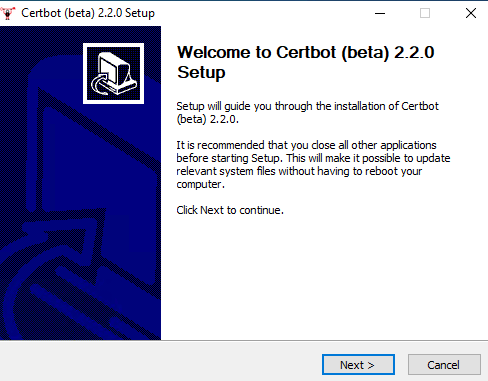
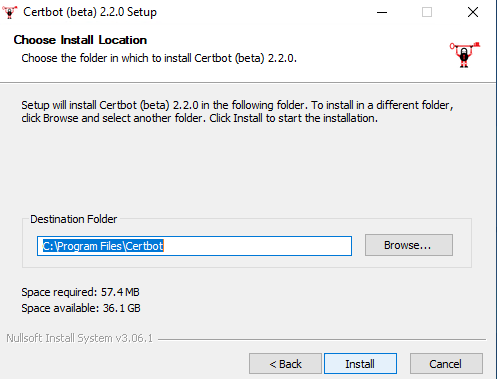
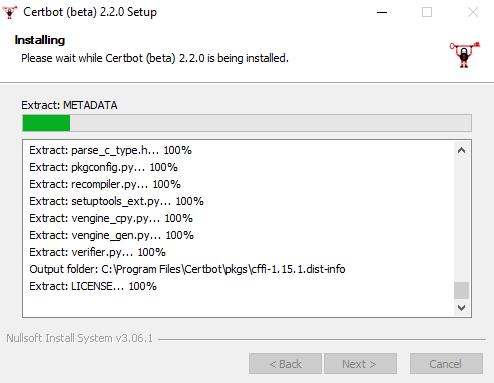
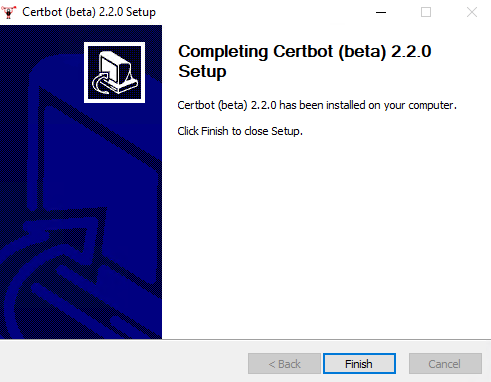
How to install the Certbot application for Windows
You can install the .exe file from here. For more information for the Certbot site please visit here. Please note that Certbot is discontinuing Windows Beta Support in 2024. For more information, please visit here.
How to install Certbot via Python
- You will need to install Python first from here
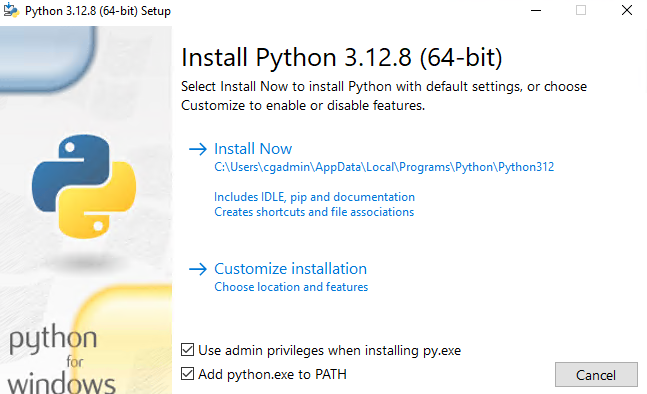
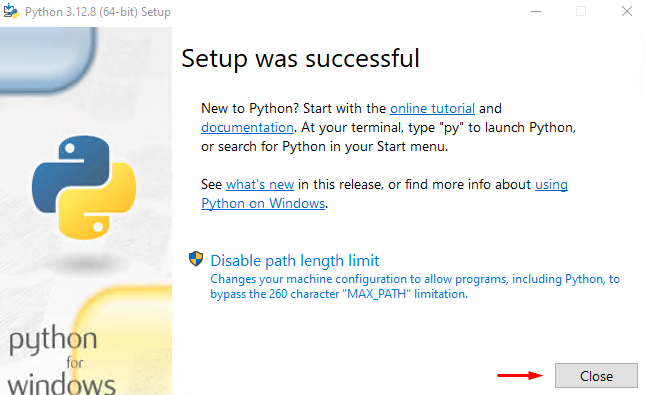
- Open the command prompt with elevated rights
- Run the below command
python -m pip install certbot
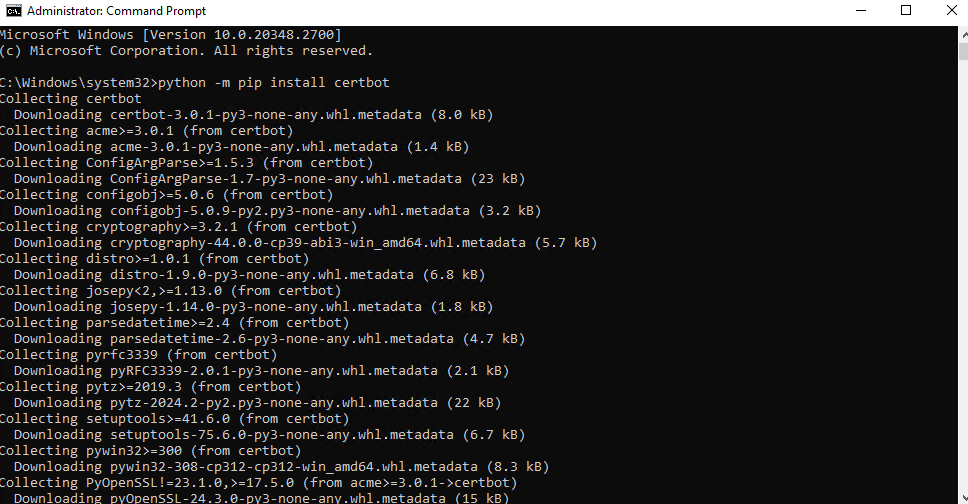
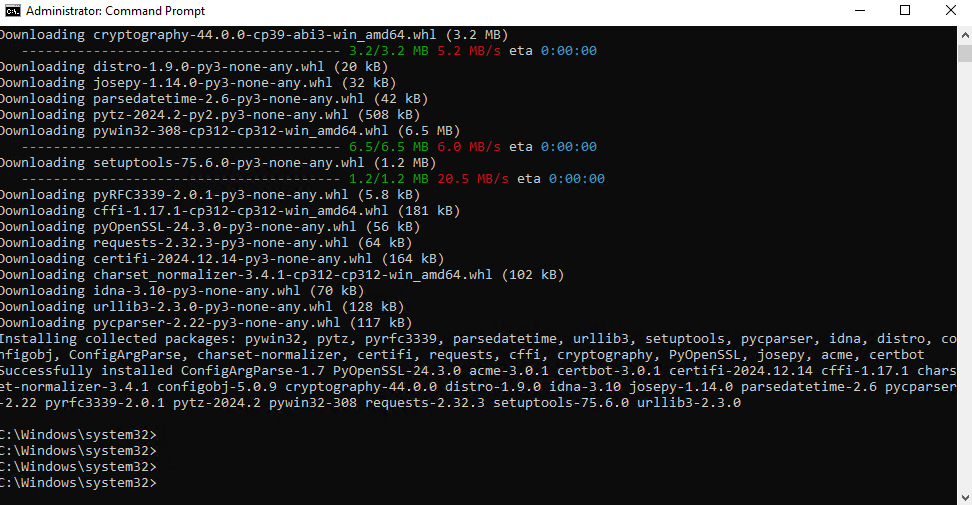
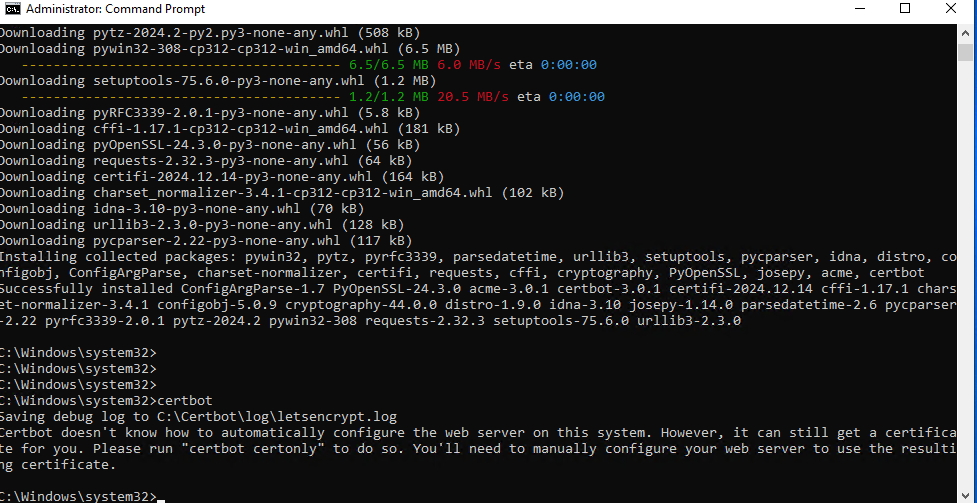
To verify the installation of the Certbot, check if the following path exists: C:\Certbot. You can also type certbot on the command prompt.
How to install the OpenSSL
Download the OpenSSL from here and choose the lite edition
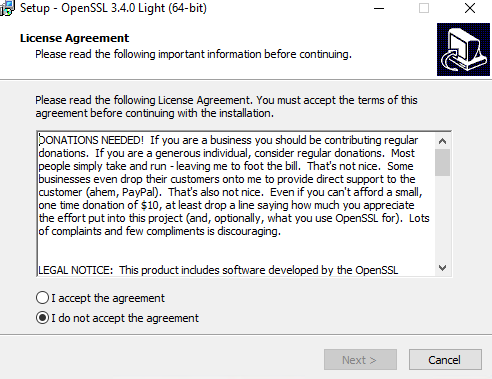
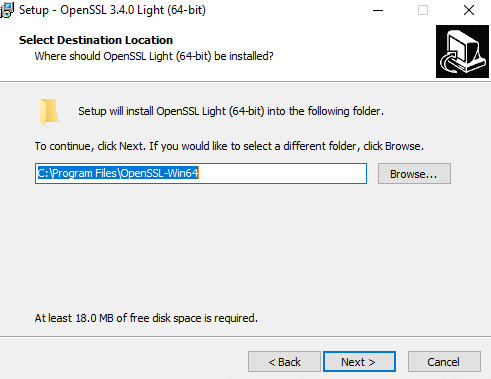
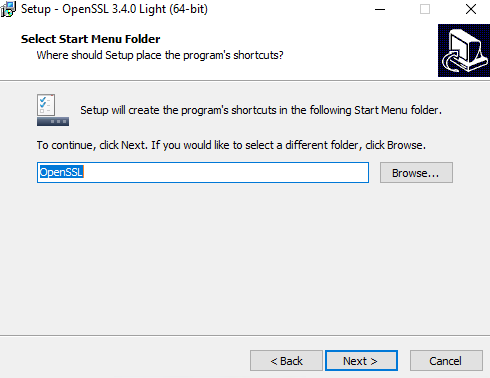
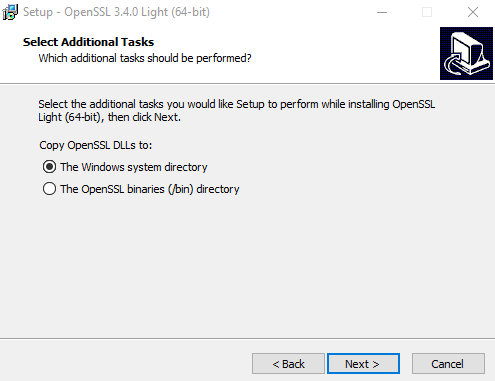
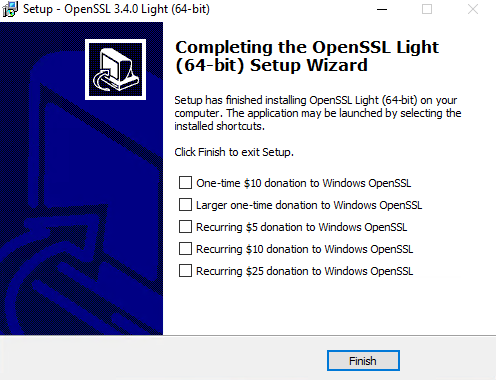
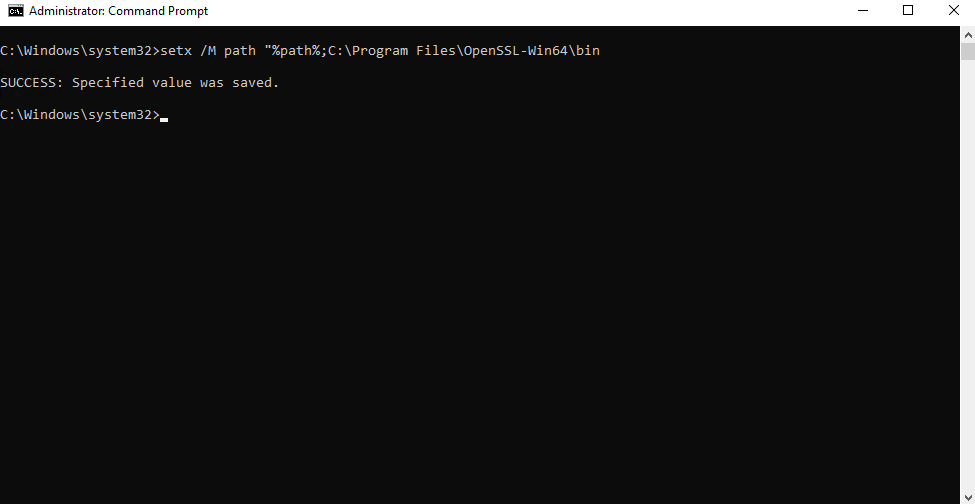
Add the OpenSSL on the path of the Environment Variables. Open the command prompt with elevate privileges.
setx /M path "%path%;C:\Program Files\OpenSSL-Win64\bin
How to generate an SSL – Let’s Encrypt Certificate
Open the command prompt with elevate privilege and run the below commands :
certbot certonly --manual --preferred-challenges=dns --email me@mail.com --server https://acme-v02.api.letsencrypt.org/directory -d yourdomain.com
You can generate a Wildcard certificate also. Wildacard Certificate is a special type of security certificate that can protect multiple subdomains of a website. Instead of needing a separate certificate for each subdomain, you can use one wildcard certificate to cover them all. For example, if you have a wildcard certificate for *.(yourdomain).com, it can secure www.(yourdomain).com, mail.(yourdomain).com, store.(yourdomain).com, and any other subdomain under (yourdomain).com. However, it won’t work for subdomains like example.mail.(yourdomain).com. To generate wildcard certificate use the below command
certbot certonly --manual --preferred-challenges=dns --email me@mail.com --server https://acme-v02.api.letsencrypt.org/directory -d *.yourdomain.com -d yourdomain.com
Parameters :
–email : your email account
-d The domain that you want to generate the certificate
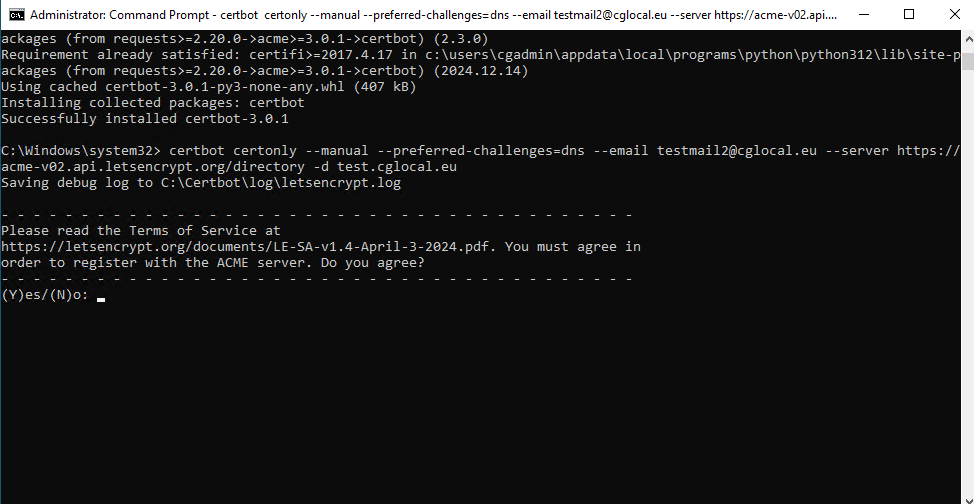
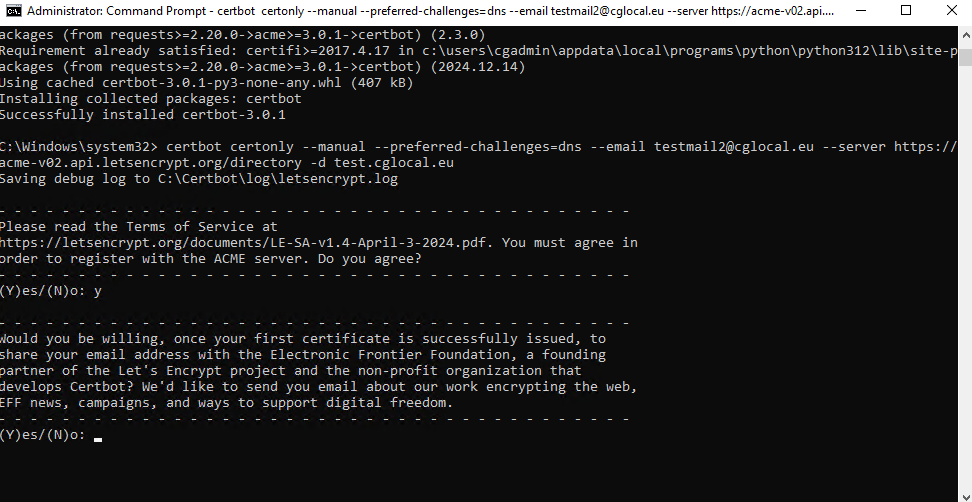
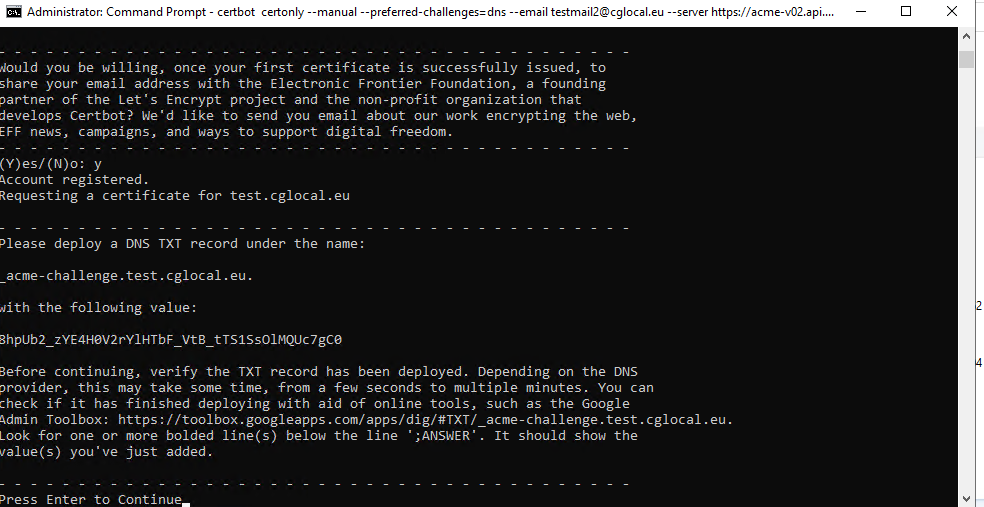
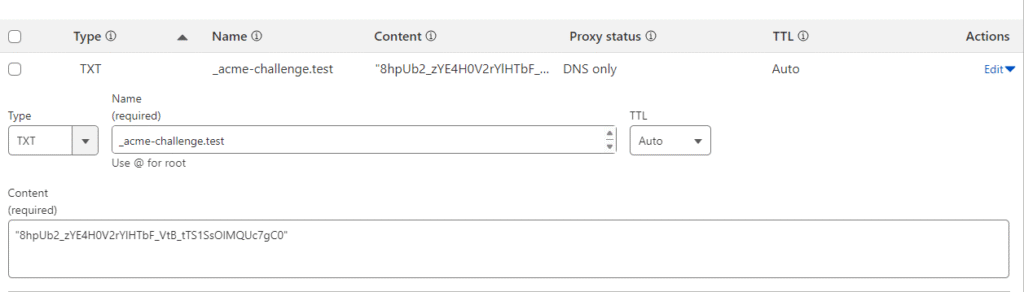
Then you will need to go to your DNS Provider in order to add the txt record on your domain.
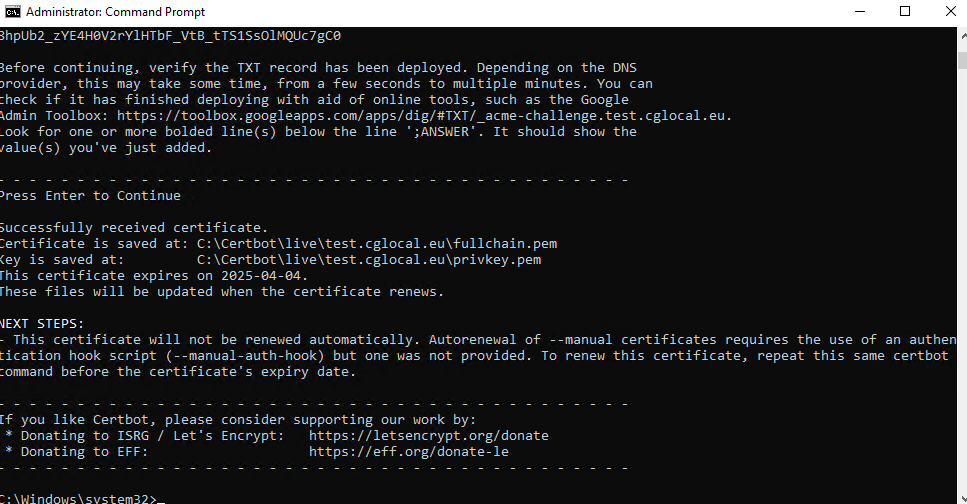
For more certbot commands you can use the below command
certbot --help
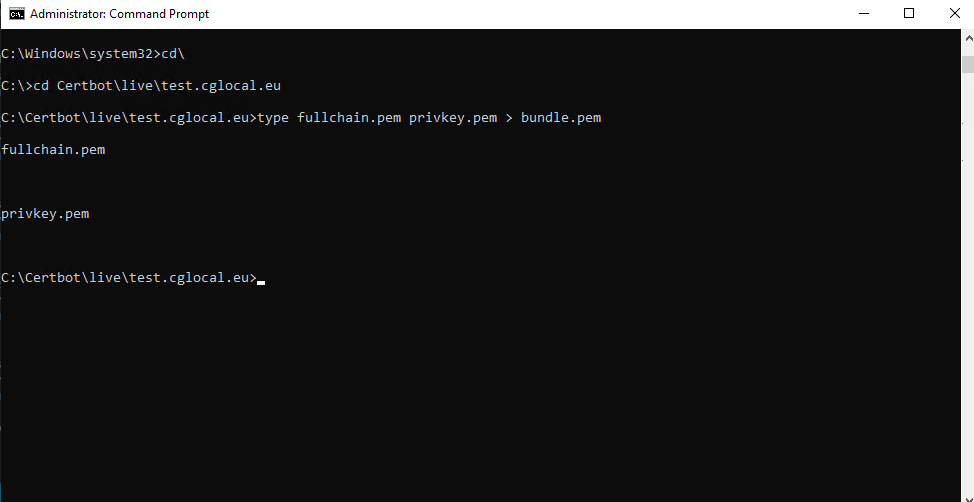
Let’s convert the .pem certificate to .pfx. You will need to go to the path that the certificate has been saved. In my example the path is the following: C:\Certbot\live\test.cglocal.eu
Type the below commands :
type fullchain.pem privkey.pem > bundle.pem
openssl pkcs12 -export -out "certificate_combined.pfx" -inkey "privkey.pem" -in "cert.pem" -certfile bundle.pem
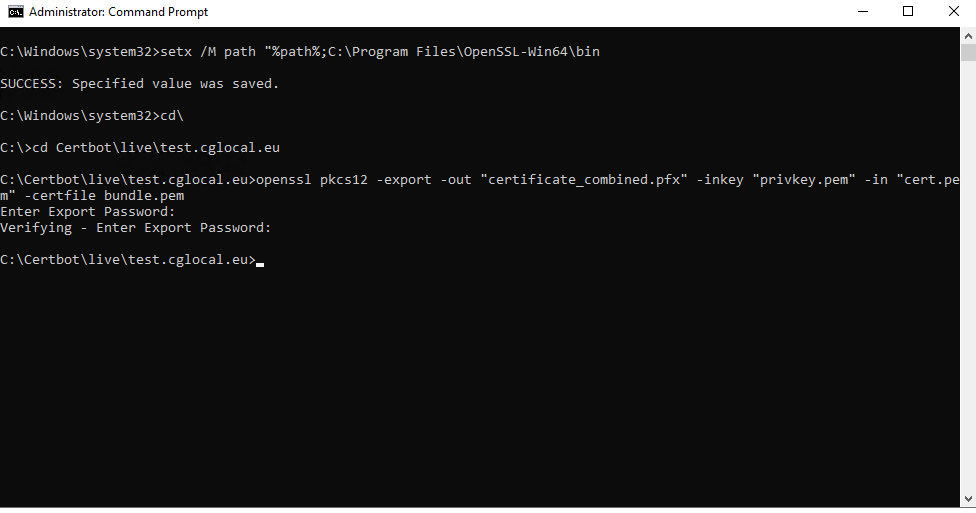
The certificate has been created and exported on the path that I mentioned above. In order to install you will need to add the password that use to export it.
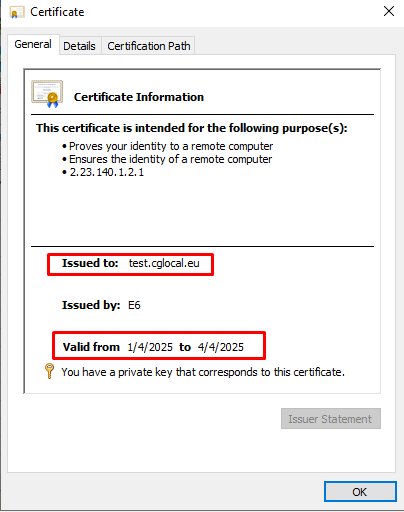
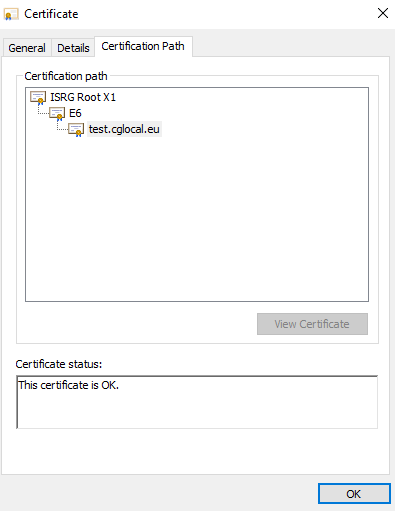
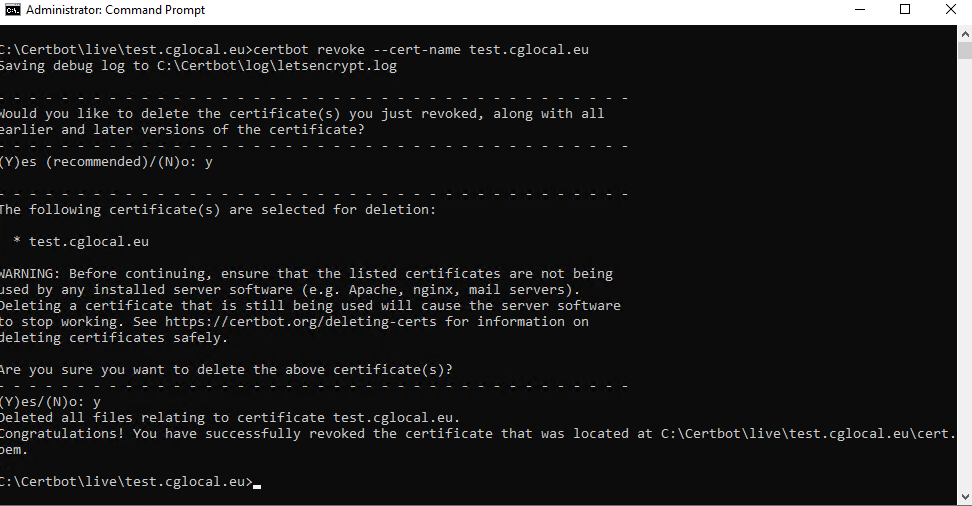
Because this certificate is for test environment, I will continue and revoke the certificate.
certbot revoke --cert-name test.cglocal.eu
Hope you enjoy my article!