Charalambos Geronikolas Reading Time : 1 minute Azure
The Hardware ID is the identity of your computer. You can have it from the reseller which they can upload to you Tenant or you can find via PowerShell. In this case I will show you how to find via PowerShell and upload to Intune.
Follow the below steps :
- Open the command prompt via shift + F10.
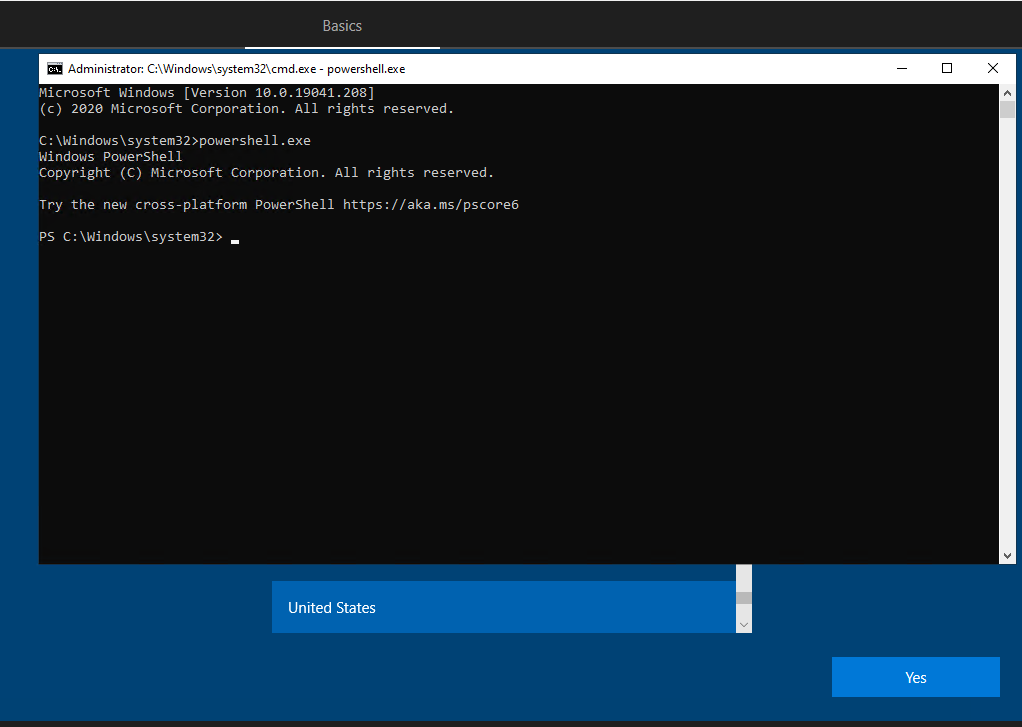
- Open PowerShell
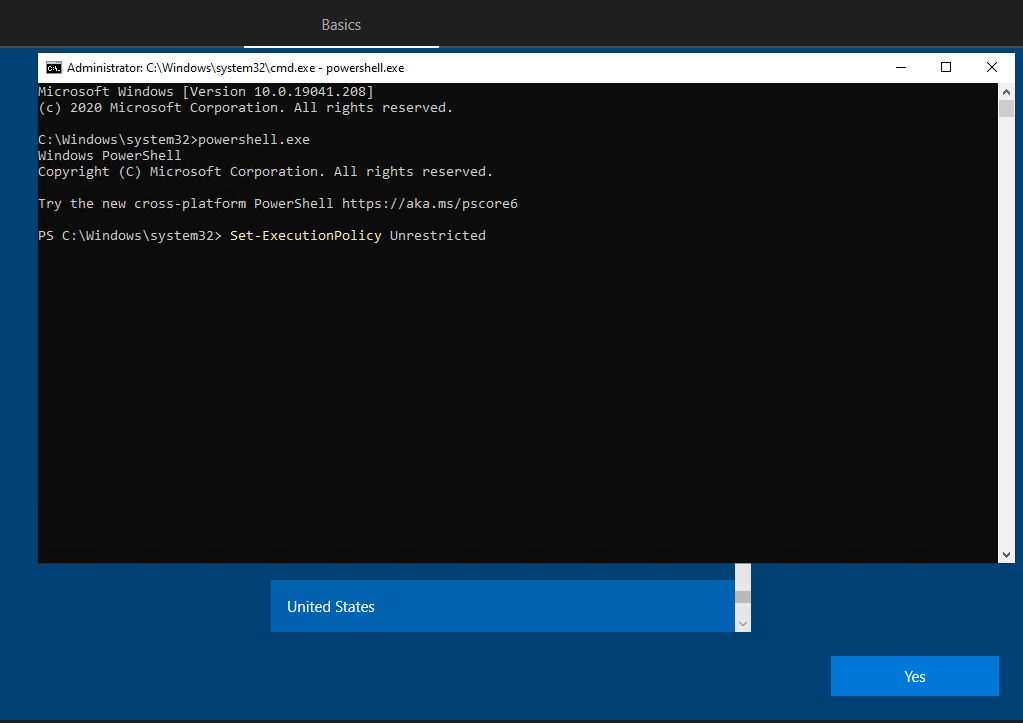
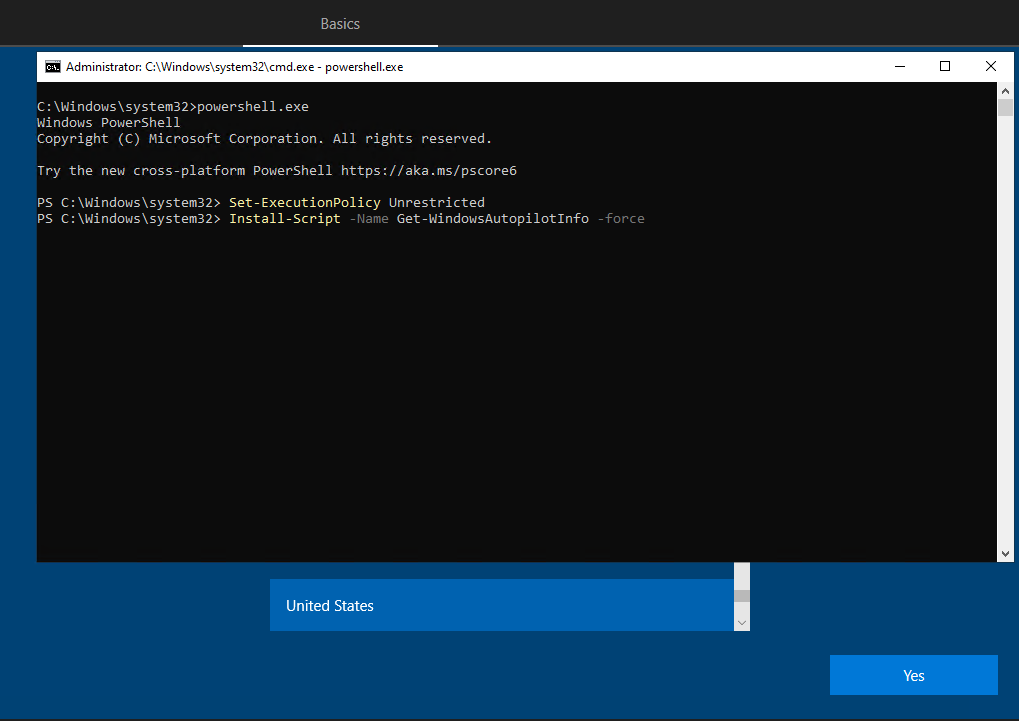
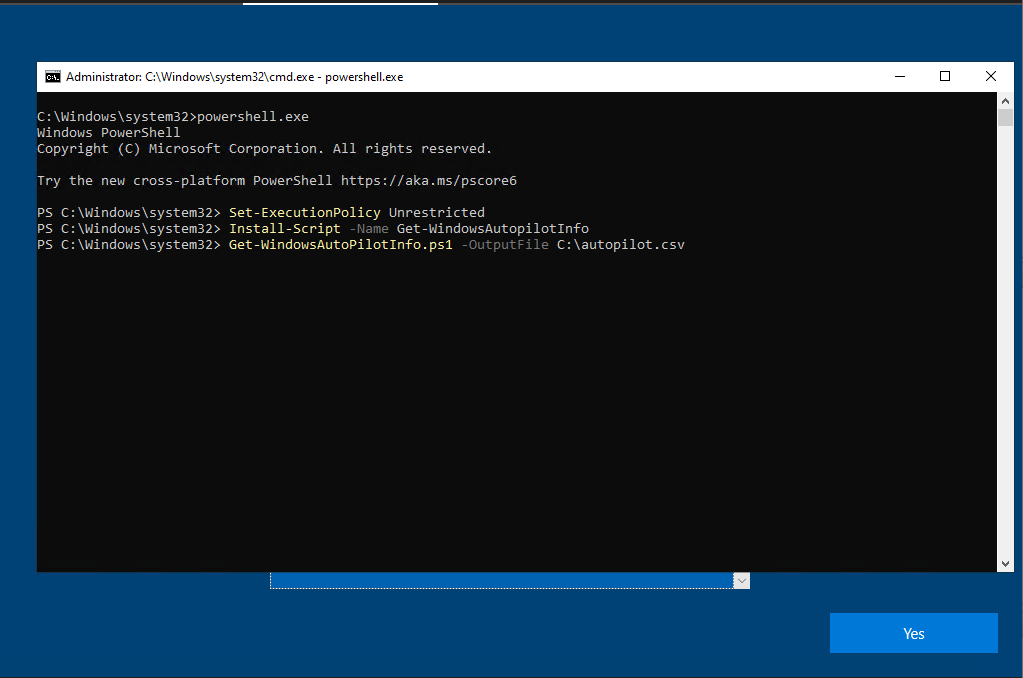
- Use the bellow cmdlets
Set-ExecutionPolicy Unrestricted
Install-Script -Name Get-WindowsAutoPilotInfo -force
Get-WindowsAutoPilotInfo.ps1 -OutputFile  yourname.csv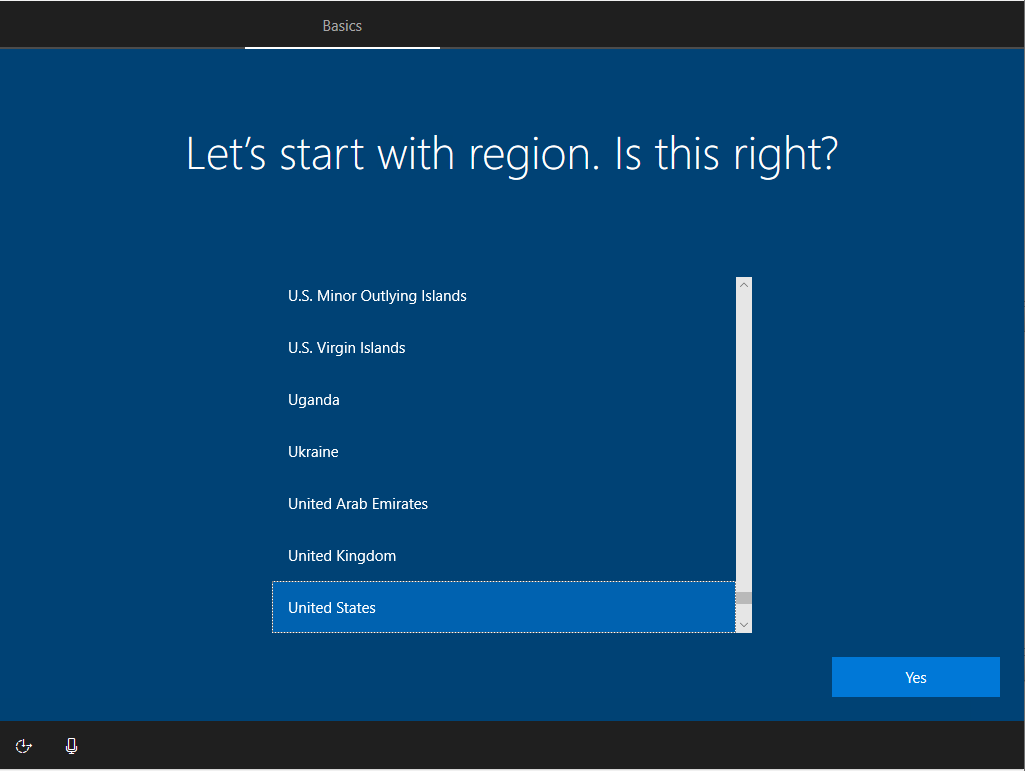
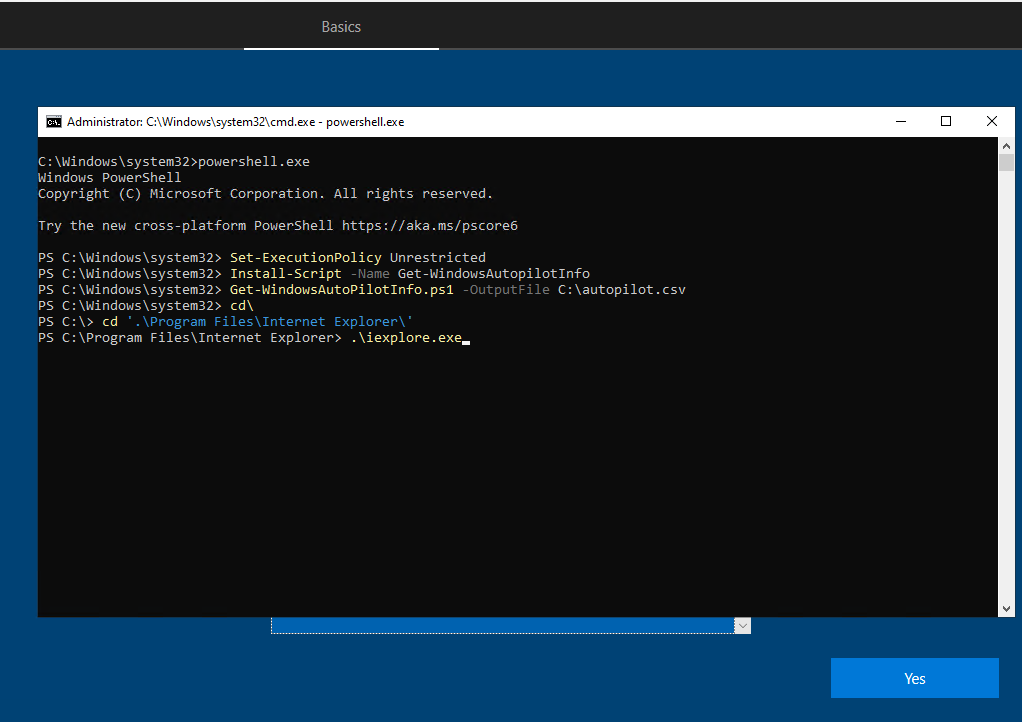
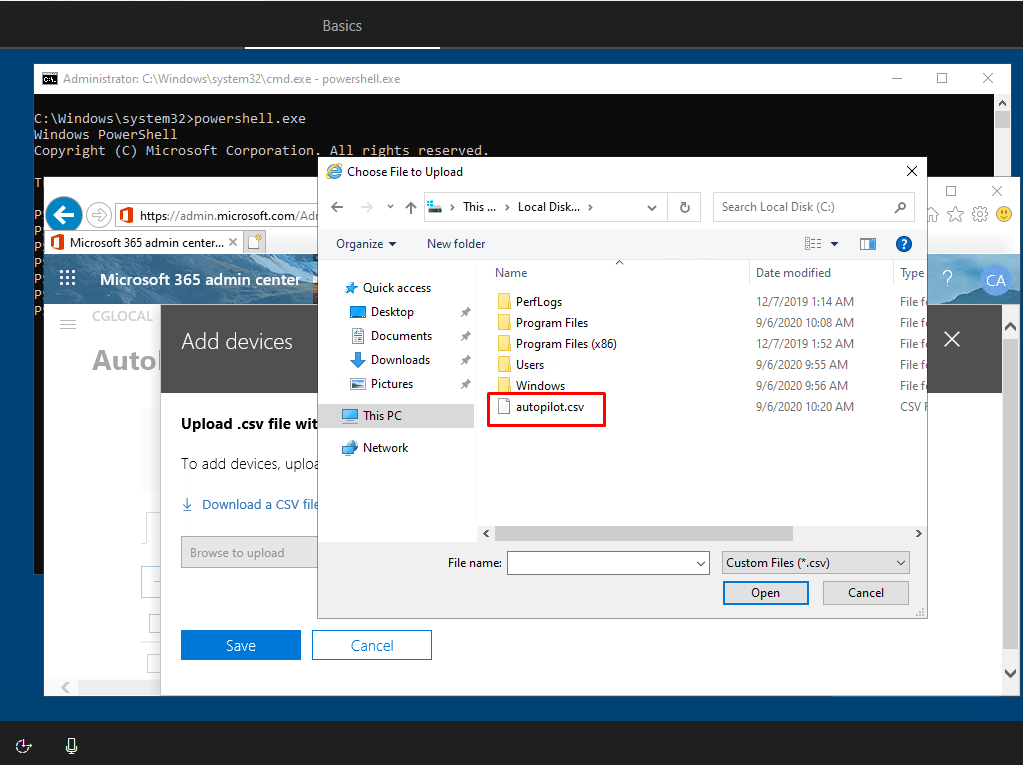
Then you can upload via Internet Explorer.
Thank you for your reading!